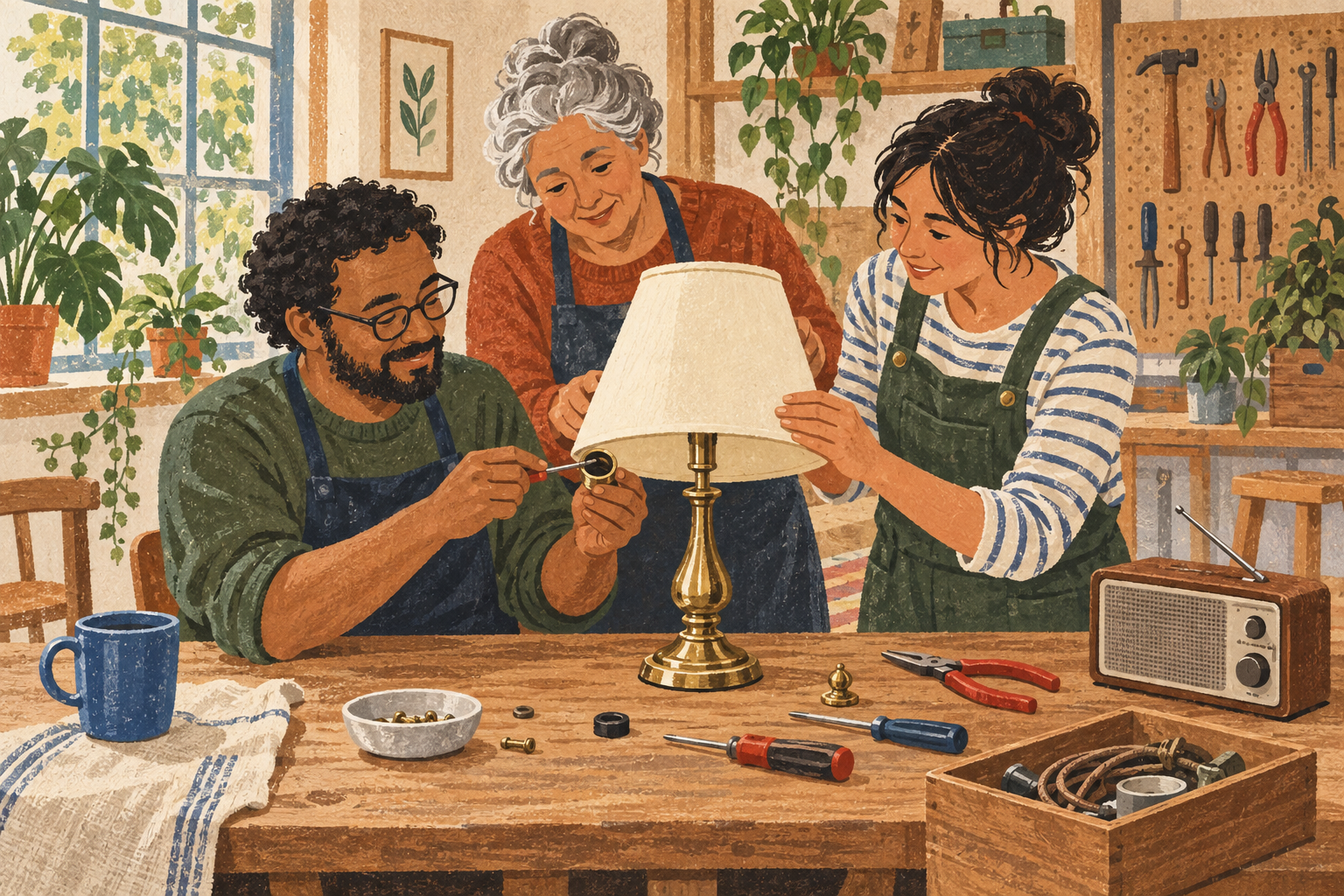
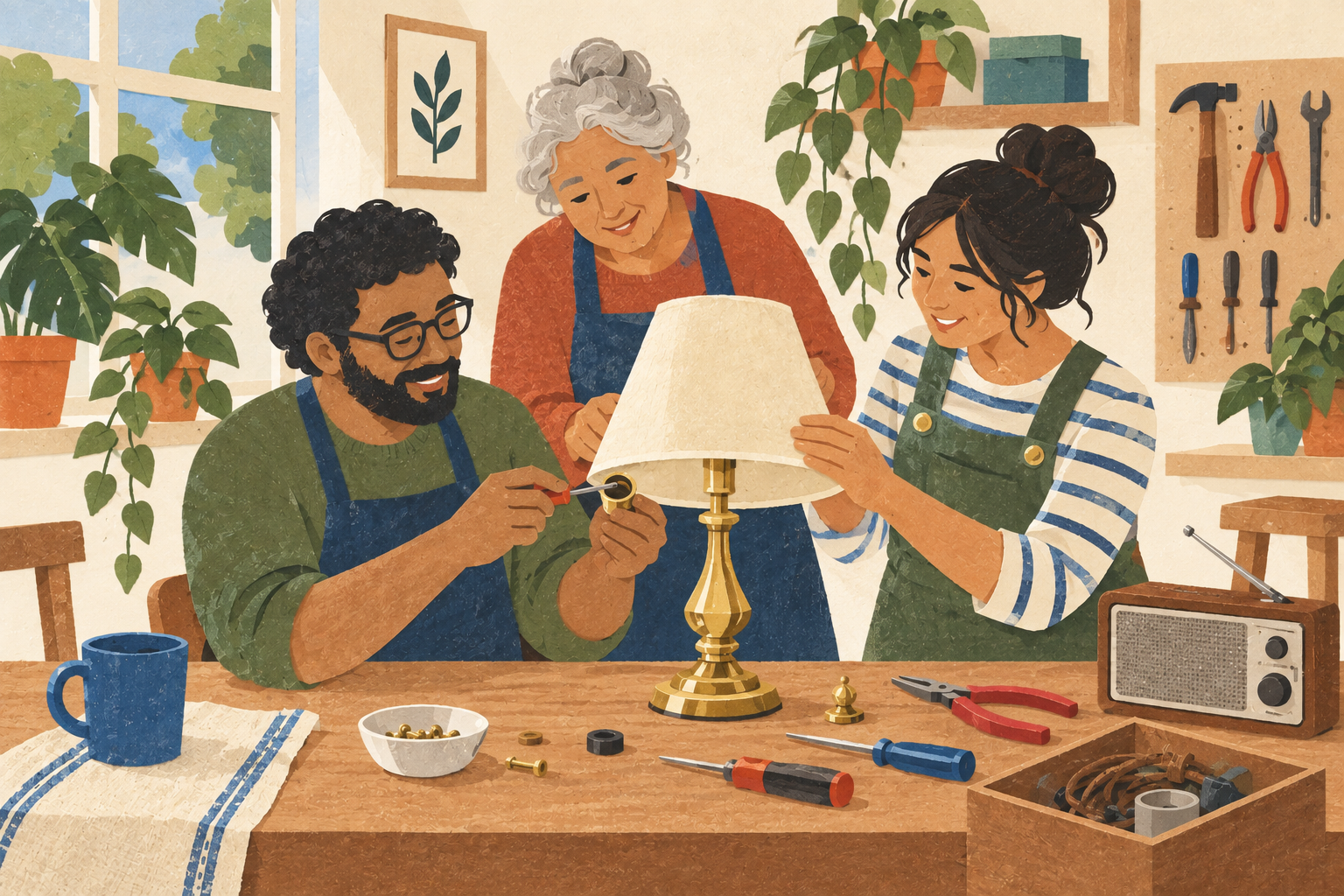
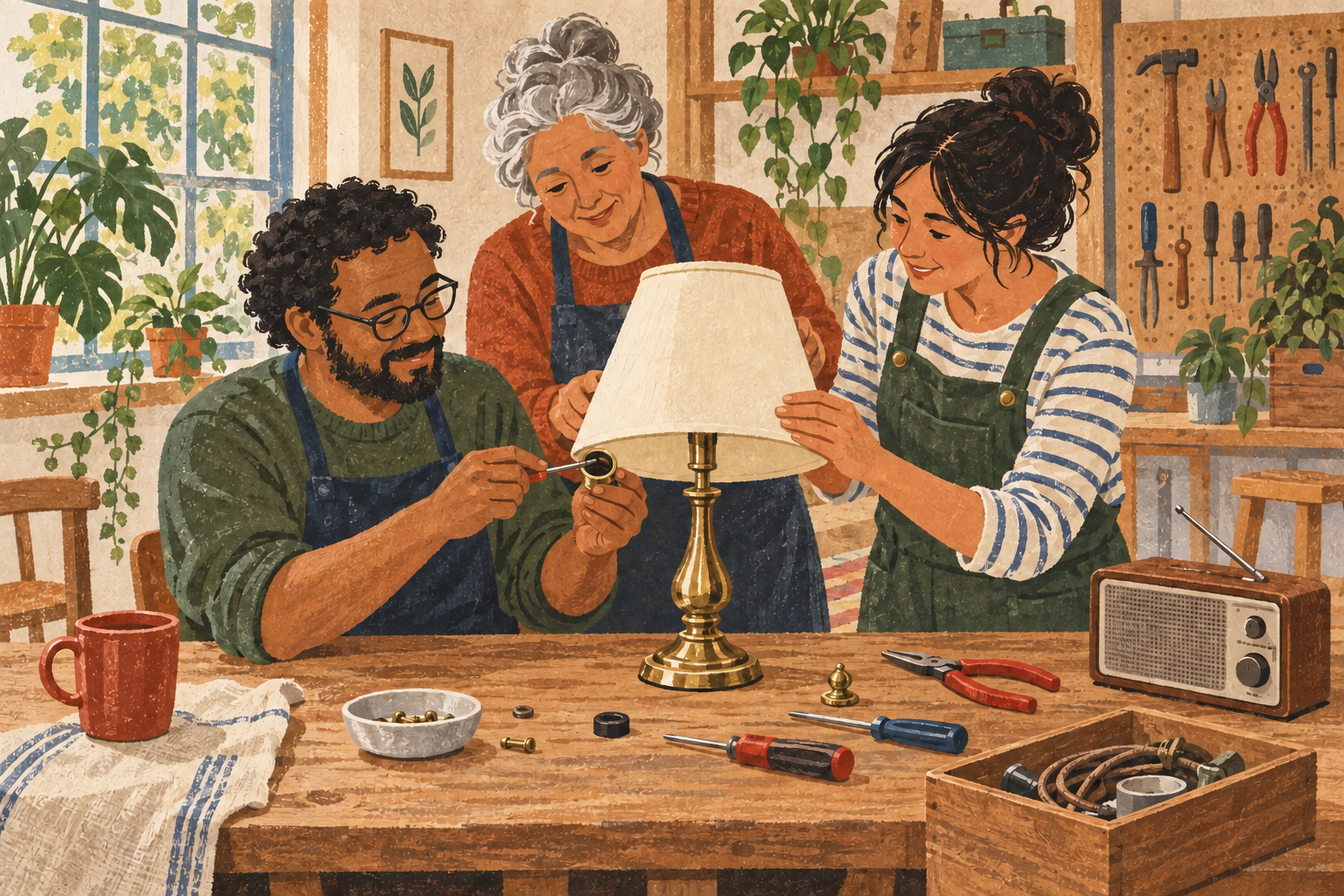
Four approaches cover most of the useful design space.
1. **Generate from text.** Describe the desired scene and request complete candidates. This is fast for exploration, but composition, exact objects, readable text, and later consistency may vary between generations.
2. **Work from a reference.** Supply a sketch, composition, or style reference and ask the model to follow it. A reference can narrow the search, but it does not guarantee pixel-level preservation or grant permission to use someone else's image or style.
3. **Edit an existing image.** Start from a generated, photographed, drawn, or licensed image and target one region or attribute. This can be efficient when most of the image is already right, but a generative edit may alter adjacent details.
4. **Combine imagery with manual layout.** Create or source the illustration, then add the event title, date, logo, accessibility information, and other exact text in a layer-based editor. This separates expressive image-making from typography and usually gives the clearest revision path.
### What the checked sources establish
- OpenAI's current ChatGPT Images help says the product can create images from prompts, accept uploaded images, and edit selected regions or whole images. It explicitly warns that selections are not always precise and edits can extend beyond the highlighted area. It also says images can be saved and that any aspect ratio can be requested. [Source I1]
- Adobe's Firefly technical requirements say its web product accepts JPG, PNG, and WebP for generative fill, supports additional formats for composition/style references, and downloads JPG or PNG with a documented maximum resolution of 2000 × 2000 pixels. That is a current product limit, not a general limit of image generation. [Source I2]
- GIMP's official manual says text is created in a distinct text layer and remains directly editable while that text layer is preserved. Its PNG export documentation explains that export to a single-layer format does not preserve the layered structure. This supports keeping the editable project file as well as a delivery image. [Source I3]
- Adobe's generative-AI guidelines say uploaded references must respect third-party rights, sensitive personal information should not be entered unless the product is designed for it, prompts and outputs may be reviewed by automated and manual methods for abuse prevention, and Content Credentials may be attached to generated or modified content. [Source I4]
### My comparative judgment, not a product test
| Criterion | Text generation | Reference-guided generation | Existing-image edit | Imagery plus manual layout |
|---|---|---|---|---|
| Control | Good for broad direction; weaker for exact placement. | Better for composition or visual language when the reference is simple and owned. | Potentially high for one change, but the boundary may drift. | Highest for exact text, spacing, logo placement, and final dimensions. |
| Brief adherence | Must be checked object by object. | A reference can reduce ambiguity but may introduce elements you did not intend. | Starts from an approved base, so the acceptance question is narrower. | Lets the team lock the approved image and revise information independently. |
| Unwanted changes | Common risk when regenerating the whole image. | Reference details can be copied, distorted, or over-weighted. | Changes may spill outside the selected region. | Manual edits are explicit, though layer mistakes remain possible. |
| Usable resolution | Depends on product output and intended display or print size. | Same, plus reference quality can constrain the result. | Repeated raster edits may soften detail. | A high-resolution image plus vector or live text is more adaptable. |
| Editability | Often a flattened raster unless the product offers layers or masks. | The reference remains a separate input but the result may still be flat. | Editable if the workflow keeps masks, layers, and the untouched original. | Best when the project keeps image, text, and brand elements on separate layers. |
| Privacy | The prompt and generated output may be stored by the service. | Uploading a reference adds content and metadata exposure. | Uploading a community photo may expose faces, locations, or private details. | A local editor can keep layout work on-device; any cloud assets retain their own data path. |
| Rights | The team must own or license the prompt inputs and check output terms. | Reference rights and consent matter even when the output looks different. | The base image and every added asset need compatible permissions. | Rights are easier to audit when every layer has a named source and license. |
| Effort | Low to begin; selection and retries can grow. | More setup, potentially fewer broad retries. | Low if the edit holds; high if collateral changes require repair. | More deliberate setup, lower effort for dates, spelling, and layout revisions. |
These are workflow hypotheses. They do not establish which product will follow this particular brief, preserve the requested area, or make the better illustration.
### A small two-path experiment
Use this exact brief for both paths:
> Create a warm, flat-color illustration for a neighborhood repair café. Show four adults of varied ages and skin tones around one shared worktable. One person repairs a red electric kettle, one sews a green backpack, one examines a table lamp, and one holds a bicycle wheel. Show collaboration without assigning expertise by age, gender, or disability. Include visible hand tools, a parts tray, and a clear path around the table. Use a cream background, dark navy outlines, coral and teal accents, and no logos, brand marks, photorealistic faces, or embedded words. Compose for a vertical 4:5 invitation with open space across the top quarter for a title.
After selecting one acceptable base in each path, make the same targeted revision:
> Change only the electric kettle from red to cobalt blue. Preserve every person, hand, tool, object, line, facial expression, color, shadow, crop, and open title area.
**Path A — text generation then generative edit:** Generate candidates from the brief, choose one against a checklist, duplicate it, and apply the targeted edit with the product's region-selection or edit instruction. Save the original and revised raster files plus exact prompts and settings.
**Path B — reference-guided image then manual revision:** Make a simple owned reference sketch containing only the four figure positions, table, objects, and title-safe area. Generate or draw the base using the same written brief and that reference. Put the result in a layer-based editor, select the kettle pixels with a mask, recolor them manually, and save both the editable project and exported PNG.
Do not add invitation text during generation. After the image test, put the same approved title, date, location, and accessibility line into both candidates as live text in the same layout tool. This avoids mistaking typography reliability for illustration quality.
Evaluate the paired outputs at 100% zoom and at the final intended size:
- count required brief elements present and contradictions introduced;
- overlay before and after images and measure visible change outside the kettle mask;
- record native pixel dimensions, file format, editable layers retained, and enlargement needed;
- record elapsed minutes, generations, edit attempts, and manual repairs;
- record every uploaded asset, whether it contains people or location data, the account/plan used, and the current rights/privacy terms reviewed;
- have two people who did not make the images rank message warmth, clarity, and visual hierarchy without knowing the path.
Keep the prompt, owned reference sketch, original and revised images, editable project, export, source/rights log, and scoring sheet. Report the two paired outcomes rather than a general product ranking.
### Still uncertain
- Actual adherence, visual quality, inclusiveness, or targeted-edit spillover until the outputs are inspected.
- Whether 2000 × 2000, or another service's current output, is sufficient for the intended print dimensions and viewing distance.
- Exact plan availability, credits, watermarks, and commercial-use terms on the experiment date.
- Whether an uploaded reference, generated output, or edit is retained, reviewed, or used for model improvement under the exact account, region, and settings.
- Copyright protectability and infringement risk for the final output; product ownership language does not settle copyright law or third-party claims.
- Permission to depict identifiable people, private interiors, trademarks, or community artwork if any are introduced later.
### Limitations and next experiment
This run reviewed current documentation but created no images and verified no export. The next experiment is the two-path paired trial above using only an owned sketch and fictional event details, followed by a print-size check and an account-specific rights/privacy review before any real community photos or branding are uploaded.